Start with your first portfolio
Follow these four steps to set up your portfolio and find your daily routine.
1. Connect Account
Sign in to keep your portfolio and preferences associated with your account.
2. Create My Portfolio
Enter the ticker symbols you want to track, then save your portfolio.
3. Portfolio Dashboard
Review portfolio health, holdings that need attention, and the heatmap.
4. The Daily
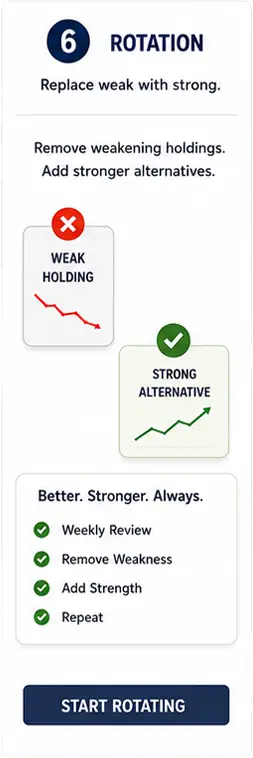
Review the market snapshot, rotations, and changes as part of your daily routine.
Already set up? Open your Portfolio Dashboard or The Daily from the menu.

What is Tickerscope?